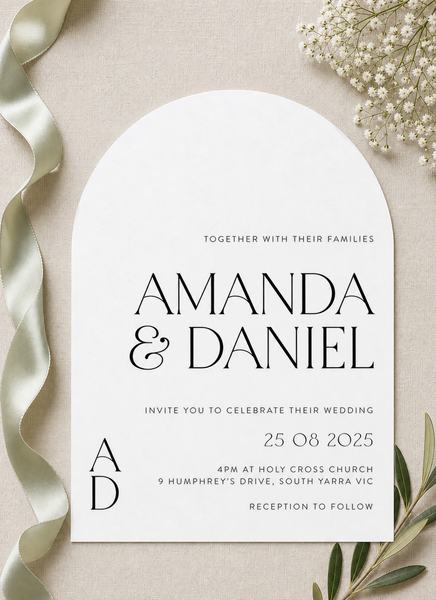
NewDigital invitations
Print it for the keepsake. Send it to their phones.
Choose a design, personalise it once, and send the same card to your guests by email or a shareable link. Guests open it from an animated envelope. Add it to your printed order, or send it digital only.
Available on supported wedding and engagement designs. Printing stays exactly as it is.
How digital invitations work
Your design, sent to your guests’ phones.
-
Step 1
Pick a design and personalise it
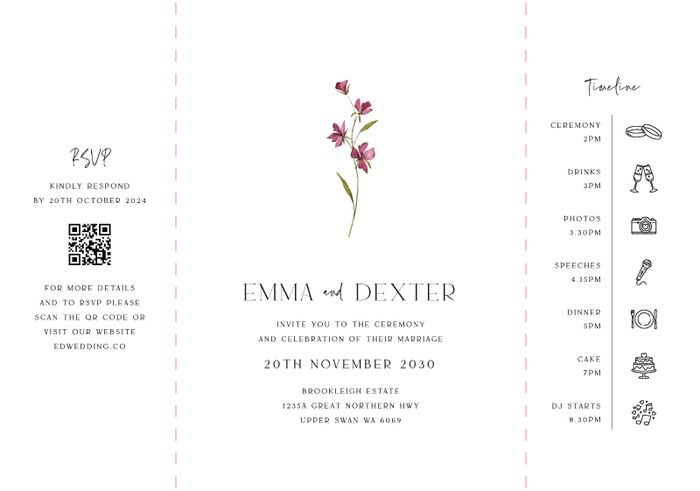
Choose a supported design and personalise it as usual. Print and digital share the same card.
-
Step 2
Add your guests
After checkout, import a CSV or your address book from your order page.
-
Step 3
Send by email, or share your link
Email everyone on your list, or copy your invitation link into any chat.
-
Step 4
Guests open the envelope
Your card appears from an animated envelope. You see who it was sent to, delivered to and opened by.
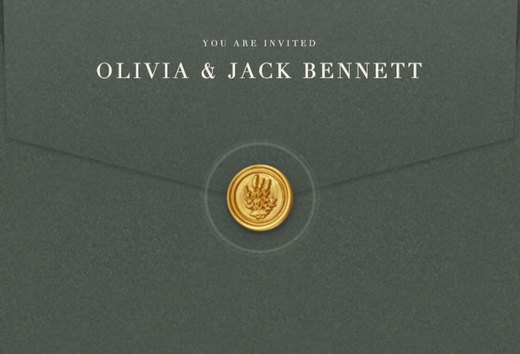
What your guests see
From an email or a link to your card, on their phone.
- 1
An email, or your link
Guests get an email with a link to their invitation. You can also share the link yourself.
- 2
Their envelope
The link opens an envelope, with their name when they are on your guest list.
- 3
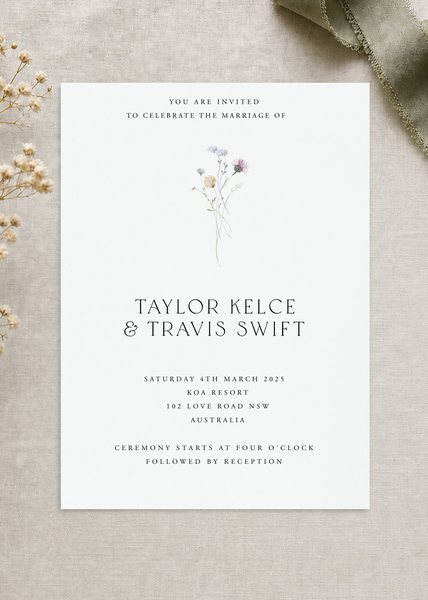
Your card
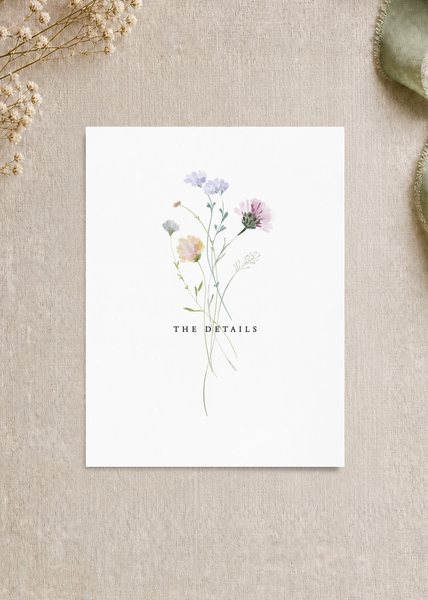
One tap and your card slides out: the design you personalised.
What you get
One place in your order for your guest list, your link and who opened it.
- 1
Guests imported, not typed
Import a CSV or your address book on your order page, after checkout.
- 2
Email, or a link you share anywhere
Email everyone on your list, or copy your invitation link into WhatsApp or iMessage.
- 3
Know who opened it
Sent, delivered and opened, guest by guest, next to your printed cards if you ordered them.
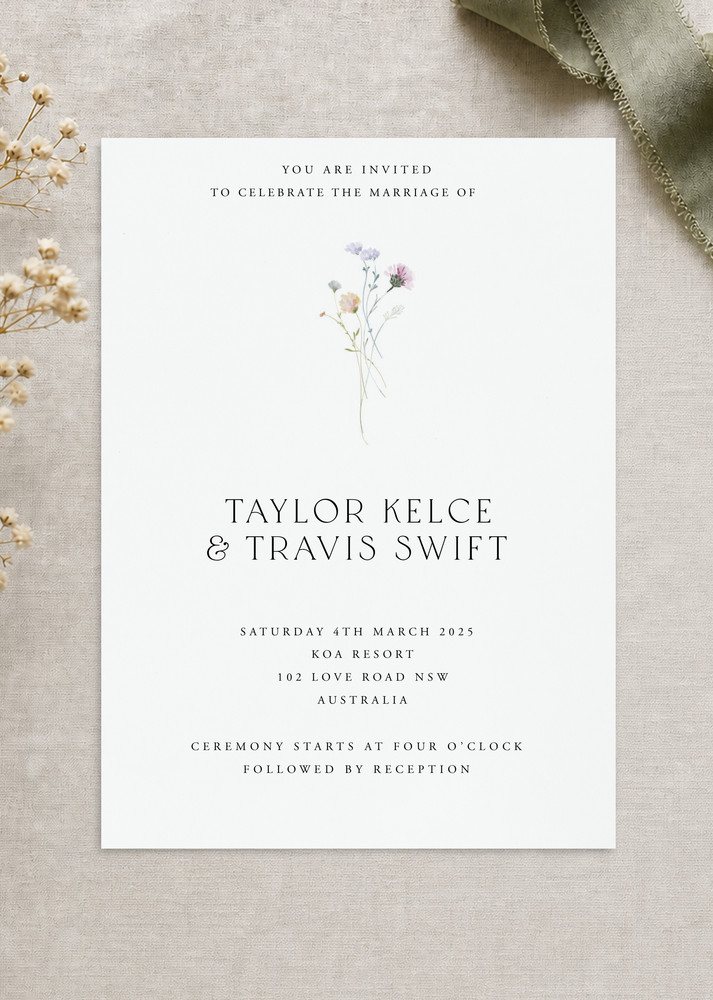
Pairs with print
Paperlust is a printer first. The digital invitation covers the part of the job the post cannot do.
-
Guests overseas
Post the printed suite locally and send the digital invitation to guests abroad the same day, with no postage.
-
Print the keepsake, send the rest
Print cards for family and the mantelpiece. Everyone else gets the same design on their phone.
-
One design, one order
Your printed cards and digital invitation sit in the same order, so the design stays identical.
Questions
Does the digital invitation use the same design?
Yes. The card you personalise is the card your guests see, in the design’s own fonts.
Do I have to print anything?
No. Choose Digital on the design page and nothing is printed. You can also add it to a printed order.
How do guests receive it?
By email, or through a link you share yourself. They tap, the envelope opens and the card appears.
Which designs can be sent digitally?
Supported wedding and engagement invitation designs. If a design can be sent digitally, you will see the option on its page.
What does it cost?
Pricing for the digital invitation is shown on the design page when you choose how to send it.
Where do I manage it?
From your order page after checkout: add your guests, then send. You will see who it was sent to, delivered to and opened by there too.
Start with the design
Choose a wedding or engagement invitation, personalise it once, and choose how to send it on the design page.